Ad Blocker Detected!

To access this site, please disable your ad blocker.

Official Apple Firmware

Download IPSW & iOS Firmware
for Every Apple Device

If you are looking for the best software to download the latest version of iphone software. I am introducing you to the best website which is providing the latest and old firmware of all Apple devices. Install now the best IPSW for your device and enjoy the latest versions.

10M+
Downloads
100%
Authentic
Fast
CDN Speed

Recent Releases

Global signing status updated seconds ago
macOS
macOS 26.3
Build 25D125
Platform MacOS
Released February 11, 2026
Status Signed
iOS
iOS 26.3
Build 23D127
Platform IOS
Released February 11, 2026
Status Signed
iPadOS
iPadOS 26.3
Build 23D127
Platform IPadOS
Released February 11, 2026
Status Signed
audioOS
audioOS 9.9.18.6
Build 22M84
Platform AudioOS
Released July 29, 2025
Status Signed

Download IPSW Firmware by Device

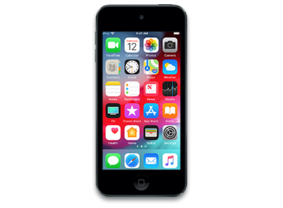
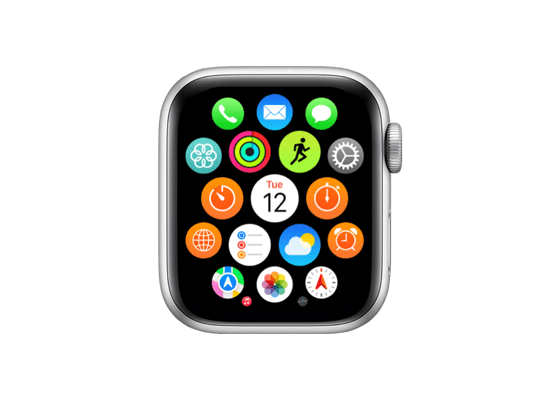
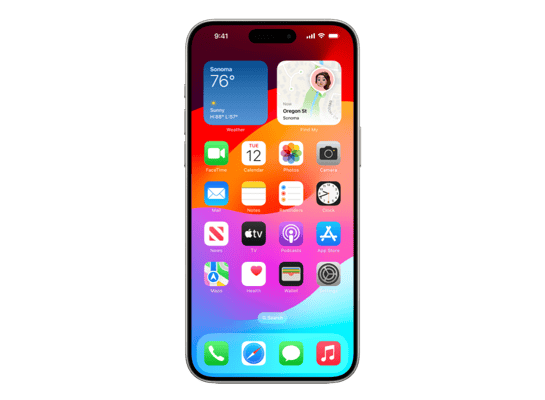
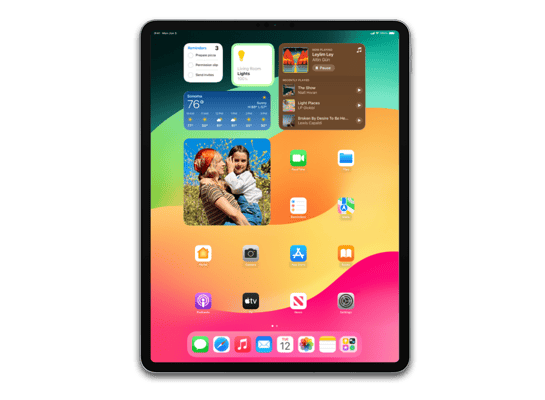
Select your iPhone, iPad, Apple Watch, or Mac model to access the latest and previous iOS and macOS firmware files. Download official Apple IPSW files quickly and safely for your device.
The Installation Process

Three simple steps to restore your device to factory perfection.

01

Snapshot Security

Always perform an encrypted local backup or iCloud snapshot before attempting a restoration. Data integrity is priority zero.

02

Physical Link

Connect via high-speed Thunderbolt or USB-C. Ensure a stable physical connection throughout the 2-5GB transfer process.

03

The Payload

In Finder (Mac) or iTunes (Win), hold Option or Shift and select your downloaded IPSW payload to begin restoration.

04

The Payload

In Finder (Mac) or iTunes (Win), hold Option or Shift and select your downloaded IPSW payload to begin restoration.

05

The Payload

In Finder (Mac) or iTunes (Win), hold Option or Shift and select your downloaded IPSW payload to begin restoration.

How to Install

Five simple steps to restore your device to factory perfection.

01

Backup Your Data

Make sure you have backed up your device using iCloud or iTunes on your PC or Mac. Otherwise, you may lose your data.

02

Connect Device

You can connect your device using a Lightning or USB-C cable to your PC or Mac.

03

Turn Off Find My

Go to Settings > [Your Name] > Find My > Find My iPhone/iPad, then turn off the feature.

04

Install .ipsw File

In iTunes or Finder (Mac), hold down the Shift key (Win) or Option key (Mac) and click "Restore iPhone...". Select your downloaded IPSW file.

05

Restore Backup

After the installation is complete, follow the on-screen instructions to restore your data from the backup you created in Step 1.

Expert Insights

Common questions about firmware, restoration, and security.

What is IPSW?

IPSW (iPhone Software) is the file format used by Apple to install or update firmware on iOS, iPadOS, tvOS, and more. It allows you to restore devices via Finder or iTunes.

Data Safety

Updating generally keeps your data safe, but we strongly recommend backing up your device via iCloud or computer first. Learn more.

Wrong File?

iTunes/Finder will automatically block incompatible files. You won't break your device, but you'll need to download the correct version again.

Sideloading

Yes, you can sideload specific signed firmware versions. This is useful for developers or users needing specific iOS versions for testing or jailbreaking.

Safety Verification

All files come directly from Apple's official servers (updates.cdn-apple.com). They are cryptographically signed, ensuring they haven't been tampered with.

What is RC?

Release Candidate (RC) is the final beta build, usually identical to the public release. It replaced the term "Golden Master" (GM) starting with iOS 14.2.