Choose Your Vision
Select your specific model to access the latest signed and unsigned IPSW files. Direct downloads from Apple's CDN servers.

Select Model
Find your Vision model below to view compatible firmware versions.
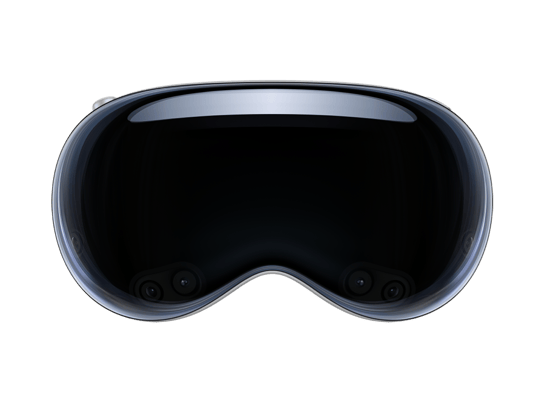
Select your specific model to access the latest signed and unsigned IPSW files. Direct downloads from Apple's CDN servers.
Find your Vision model below to view compatible firmware versions.
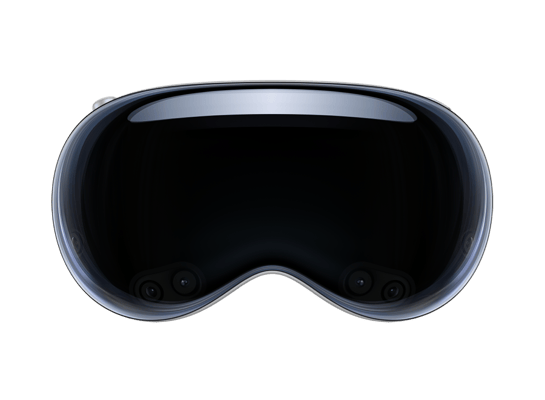
Five simple steps to restore your device to factory perfection.
Make sure you have backed up your device using iCloud or iTunes on your PC or Mac. Otherwise, you may lose your data.
You can connect your device using a Lightning or USB-C cable to your PC or Mac.
Go to Settings > [Your Name] > Find My > Find My iPhone/iPad, then turn off the feature.
In iTunes or Finder (Mac), hold down the Shift key (Win) or Option key (Mac) and click "Restore iPhone...". Select your downloaded IPSW file.
After the installation is complete, follow the on-screen instructions to restore your data from the backup you created in Step 1.